The classification system used in each calculation tool depends on the selected tool, since many certifications and regulations require a specific classification framework.
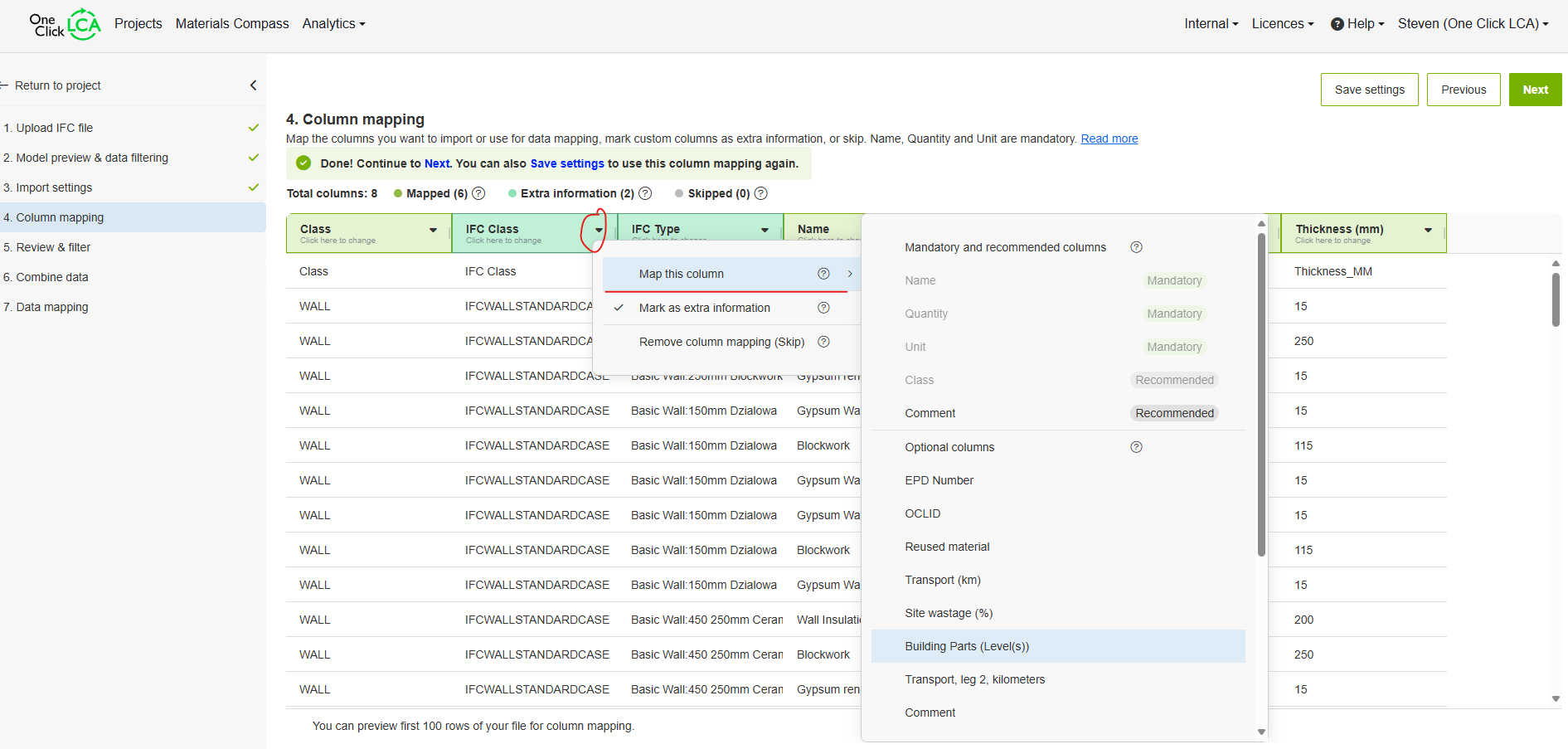
The system shown in your screenshot is called ‘Building Parts’, which is used in frameworks such as Level(s). In total, we support over 20 different classification systems, although not all of them are available across every calculation tool.
UniFormat is primarily used in the United States, where classification systems are not widely mandated, except in standards like CalGreen and LEED v5. In cases in North America where no specific classification is required, we typically use UniClass. While UniClass and UniFormat are conceptually similar, they serve different purposes.
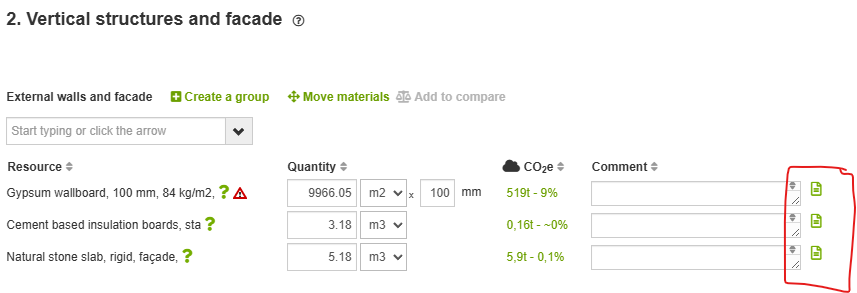
For your case, I recommend uploading your IFC model and including the classification data stored under the ‘UniFormat’ parameter (or whichever parameter contains this data). You can add it as an additional column, or ideally, include it in the comment field. During the mapping process, you can align these categories with the appropriate classification codes used by the selected tool, though please note that this mapping currently needs to be done manually.
We are actively exploring a way to support multiple classification systems within the tools, beyond those required by specific certifications or regulations. However, we don’t yet have a confirmed timeline for when this feature will become available.
If the parameter is present in your model, you will be able to ‘map’ a column to the supported classification system in your tool. In the screenshot I have used the Level(s) tool to upload an IFC model and thus can map a column to this classification system.